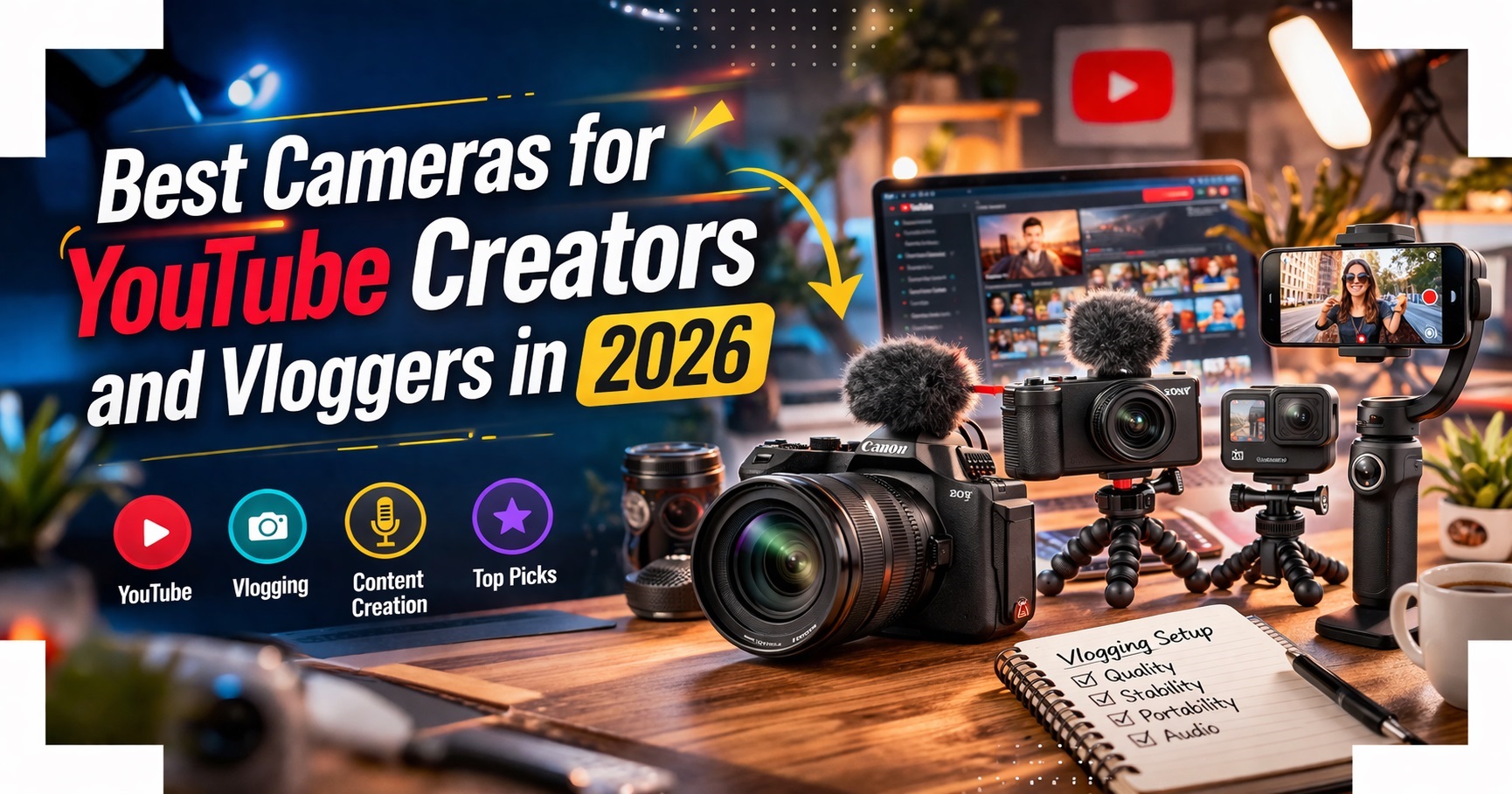
If 2026 is the year you plan to finally get your YouTube channel off the ground, one of the best vlogging cameras will help you make it happen. Providing a demonstrable upgrade in video quality and shooting versatility compared to a smartphone, a good vlogging camera will kit you out with everything you need to create video content that looks and sounds professional .
With vlogging on platforms like YouTube and TikTok more popular than ever, the vlogging camera market is a busy place. Pretty much every camera release from a major manufacturer will come bearing claims of how brilliantly suited it is for video, and some of those claims are truer than others . I've pulled together this list to include only vlogging cameras that are genuinely worth your consideration—everything here has been thoroughly tested and reviewed, and scored highly enough to merit inclusion in this guide. I've also made sure not to just fill this list with expensive professional options. Many vloggers are working to tight budgets, so this guide includes plenty of cheap and beginner-friendly options, as well as the high-end stuff for those with more cash to splash .
- Video Resolution: 4K video is the standard. Many creators are even moving to 6K or 8K for better editing flexibility .
- Autofocus Performance: When filming yourself, you need fast and accurate autofocus. Eye-tracking and face detection are very important .
- Stabilization: Stabilization matters most for handheld vlogging. Digital stabilization can crop the image, while in-body stabilization usually looks more natural .
- Audio Quality: A great video is useless without clear sound. Look for cameras with built-in directional microphones and a microphone input .
- Screen: Flip or fully articulating screen for self-framing is essential .
- Battery Life: Recording 4K drains batteries fast. Look for USB-C charging so you can use a power bank .
Quick Picks: Best YouTube Cameras 2026
DJI Osmo Pocket 3
The DJI Osmo Pocket 3 is possibly the most popular camera among YouTubers right now . The formula is a small, 4K-capable camera with a fixed 20mm equivalent lens, giving a natural field of view ideal for vlogging and talking head-type videos. Supported by a motorised 3-axis gimbal for super-smooth stable shooting, the Osmo Pocket 3 delivers smooth footage and cinematic looking shots even when walking or moving .
The larger 1-inch sensor is great for video quality, particularly in low-light shooting situations (the Osmo Pocket 3 has a dedicated Low Light Video mode). The much larger and clearer LCD screen rotates towards you, making it ideal for vlogging . Shooting in vertical mode is generally a very smooth process on the Osmo Pocket 3, reflecting the fact that more and more people consume content this way . It offers 3-axis motorised stabilisation that physically counteracts motion—no algorithm guessing how to stabilize .
Pros
- Powerful built-in stabiliser
- Big, useful screen
- Easy to shoot in portrait mode
- Excellent low-light for its size
Cons
- Price increase from Pocket 2
- No built-in storage
- Resolution not quite up to interchangeable-lens cameras
Ideal for: Beginner YouTubers finding their feet, travel vloggers, and anyone who wants buttery-smooth footage without post-stabilization .
Canon PowerShot V1
The Canon PowerShot V1 is the new vlogging compact to beat—an impressively fully featured camera for vlogging that will suit the dedicated content creator . With a 16-50mm equivalent f/2.8-4.5 zoom lens, it offers the ideal level of shooting versatility for day-to-day vlogging, and its new 1.4-inch sensor is a cut above the 1-inch sensors found in comparable premium compacts .
The PowerShot V1 is stacked with video-friendly features including a built-in ND filter over the lens (activate it when you want to use a larger aperture without overexposing), a built-in three-capsule mic with included windshield, headphone and mic sockets, and Canon's flat C-Log3 profile for colour grading . The screen flips around to face the front, and an unmistakable tally lamp on the front lets you know when you're recording. The advanced cooling system means its recording times are essentially unlimited—curtailed only by battery and card .
Pros
- Relatively large sensor
- Built-in ND filter
- Optical and digital stabilisation
- Unlimited recording, C-Log3
Cons
- More expensive than Pocket 3
- Some odd stabilisation effects
Ideal for: Dedicated content creators who want a fully-featured compact with zoom flexibility and professional video tools .
Sony ZV-E10 II
The Sony Alpha ZV-E10 II is designed for creators who want flexible storytelling and simple operation in one compact body . Built for everyday vlogging and serious YouTube production, this best video camera for YouTube videos combines intuitive controls, strong autofocus reliability, and fast sharing tools to support consistent uploads across multiple social media platforms . It's essentially an A6700 in a lighter, more affordable body with vlogging-specific features.
Key upgrades include a 26MP APS-C sensor, 4K 60fps recording, and a larger NP-FZ100 battery that lasts around 130 minutes of video. The autofocus features 759-point phase-detection with reliable subject tracking for humans and animals . The directional 3-capsule mic and vertical interface for social media make it creator-ready .
Pros
- Interchangeable E-mount lenses
- 759-point phase-detection autofocus
- Active Mode stabilization
- Compact and lightweight body
Cons
- No in-body image stabilization (IBIS)
- Can overheat in extended 4K recording
Ideal for: Beginners who want room to grow, creators who need lens flexibility, and those wanting excellent autofocus in a compact body .
Fujifilm X-S20
While we're focusing on video-centric vlogging cameras in this guide, content creators may well get more use out of a camera that shoots both stills and video to a high standard. Video thumbnails, promo shots, behind the scenes imagery—there are loads of reasons a vlogger might want a decent stills camera . The Fujifilm X-S20 is one of the best hybrid cameras for video AND photos.
A handy EVF and excellent stills potential, alongside superb 6.2K open-gate video, makes the Fujifilm X-S20 a top choice . It features a 26.1MP X-Trans BSI sensor, advanced AI subject-detection AF, and impressive battery life . The fully articulated touchscreen and 6.2K/30P, 4K/60p video capabilities make it highly versatile for creators .
Pros
- 6.2K open-gate video
- Advanced AI subject-detection AF
- Battery lasts very well
- Viewfinder adds versatility
Cons
- Viewfinder is fairly small
- On the pricier side
- Digital stabilization only
Ideal for: Creators who need one camera for both YouTube videos and professional photography .
Canon EOS R50 V
Canon EOS R50 V is a video-first mirrorless camera built for creators who want more control without slowing down their workflow . This vlogging camera for YouTube supports cinematic shooting styles, quick solo operation, and beginner-friendly help tools. For vloggers and YouTube channel owners, it's designed to make filming, framing, and publishing easier .
The Canon R50 V is Canon's answer to modern content creation. It's designed with vertical video, social formats, and beginner-friendly workflows in mind . It features a front record button to speed up solo filming, a vari-angle touchscreen, Canon Log 3 for flexible color grading, and USB-C power while streaming to a computer .
Pros
- Dedicated vertical shooting support
- Front record button speeds up solo filming
- Canon Log 3 enables flexible color grading
- USB-C powers camera while streaming
Cons
- Lens ecosystem still growing for RF-S
- No in-body stabilization
Ideal for: Social-first creators, vloggers who prioritize Reels, Shorts, and TikTok workflows .
Panasonic Lumix GH7
Panasonic LUMIX GH7 is built for creators who want a reliable "work camera" for demanding YouTube production. It supports pro-level codecs, high-quality audio workflows, and long recording sessions without shutdowns . This makes it a strong choice for interviews, events, and run-and-gun filming where consistency matters .
Key features include a built-in fan enabling long takes without overheating, internal Apple ProRes RAW recording, and 32-bit float audio to avoid clipped dialogue peaks . The 5.7K video at 30fps and 4K at 120fps provide tremendous flexibility, while 7.5-stop IBIS keeps handheld footage smooth .
Pros
- Built-in fan—no overheating
- Internal Apple ProRes RAW
- 32-bit float audio
- Real-time LUTs reduce post-production time
Cons
- Expensive
- Micro Four Thirds sensor smaller than APS-C
- Complex menu system
Ideal for: Serious video creators, interview shooters, and anyone needing professional audio and recording features .
DJI Osmo 360
DJI Osmo 360 is built for creators who want immersive shots without worrying about framing. This vlogging YouTube camera captures everything around you, then lets you choose the best angle later . For vloggers and YouTube channel owners, it's a powerful way to film travel, sports, and daily life with fewer retakes and faster storytelling .
Key features include the ability to reframe any angle later (fix missed shots), an invisible selfie stick effect that creates third-person videos, and the ability to switch front/rear lenses without stopping recording . It's IP68 waterproof, has excellent low-light performance for its size, and connects directly to two DJI mic transmitters .
Pros
- Reframe later—never miss a shot
- Invisible selfie stick effect
- Switch lenses without stopping recording
- Excellent low-light performance
Cons
- Requires editing workflow
- No optical zoom
Ideal for: Travel vloggers, group shots, and creators who want to capture everything without worrying about framing .
DJI Osmo Action 6
The DJI Osmo Action 6 is built for creators who want to capture fast, unpredictable moments and still want polished YouTube results. This affordable YouTube camera focuses on smoother action footage, clearer audio in windy places, and faster shooting controls . For vloggers, it's a strong pick for travel, sports, and outdoor storytelling .
It features a 1/1.1-inch square CMOS sensor with dynamic range up to 13.5 stops, variable aperture f/2.0–f/4.0 giving you creative control over depth of field, 4K/120fps and 8K/30fps recording, and cold-resistant battery lasting up to 4 hours . RockSteady 3.0+ stabilization ensures smooth footage even in extreme conditions.
Ideal for: Adventure vloggers, travel creators, and anyone filming in extreme conditions .
How to Choose Your YouTube Camera
1. Assess Your Content Style
For talking-head videos and vlogs, prioritize flip screens, reliable autofocus, and good built-in mics. For travel and adventure, focus on stabilization and portability. For cinematic storytelling, look for Log profiles and high bit rates .
2. Budget Realistically
40 to 60% of your total budget should be allocated to the camera body, while the remaining 20 to 30% is for at least one fast prime lens. The remaining budget can be used on your basic lighting and audio setup .
3. Consider the Lens Ecosystem
Choosing a YouTube camera with a specific lens mount is not just another spec, but your path to growth on YouTube. You are also entering into a lens ecosystem. Sony is expected to have more than 300 native lenses by 2026, comprising both prime and zoom lenses. Canon also has a similar number of native lenses and offers adapters for EF lenses .
4. Don't Forget the Kit
A complete YouTube camera kit includes: a sturdy tripod for stability (adjustable height, lightweight), a microphone for clear sound (wireless or wired with good noise reduction), and proper lighting to enhance visibility and aesthetics .
Which Camera Should You Buy?
For most YouTubers and beginners: The DJI Osmo Pocket 3 is the ultimate all-rounder—its gimbal stabilization and ease of use are unmatched .
For dedicated content creators who want zoom flexibility: The Canon PowerShot V1 delivers professional video tools in a compact body .
For those who want room to grow with interchangeable lenses: The Sony ZV-E10 II offers excellent autofocus and a massive lens ecosystem .
For hybrid shooters who need both stills and video: The Fujifilm X-S20 with 6.2K video and Film Simulations is unbeatable .
For social-first creators focusing on Shorts/Reels: The Canon EOS R50 V is purpose-built for vertical content .
For pro-level cinema production: The Panasonic GH7 delivers with ProRes RAW and 32-bit audio .
Smartphone vs Dedicated Camera: Is It Worth It?
Modern smartphones are powerful, but they have limits. They often struggle in low light and lack advanced zoom or interchangeable lenses. Audio options are also limited. If you want your channel to grow seriously, upgrading to a dedicated camera will improve your video quality and give you more creative control .
For many beginner vloggers, a smartphone paired with the right accessories is still one of the easiest and most affordable ways to start creating. The key is stabilizing them and improving audio. A gimbal like the DJI Osmo Mobile, a wireless microphone, and a small tripod can transform phone footage into polished results .
Final Thoughts
The best camera is the one you'll actually use . Don't wait for the "perfect" camera—choose one that feels approachable, learn it well, and focus on telling your story .
Remember: specs only amplify talent, not replace it. A professional with ample experience can easily outclass a videographer who hasn't tried stuff with their shiny new gear . With specs, you are advised to also invest a significant amount of time in learning manual settings, exposure, and storytelling .